Hello everyone. You haven’t heard from us by email in a while, so a quick reminder of why this landed in your inbox: at some point you opted in to hear from the Union.ai/Flyte team. I’m restarting our newsletter, and going forward it will be short, practical AI engineering tips you can actually use. If it turns out this isn’t for you, no hard feelings, you can always unsubscribe. - Sage Elliott
AI engineering tip of the week: Stop re-running work you’ve already done
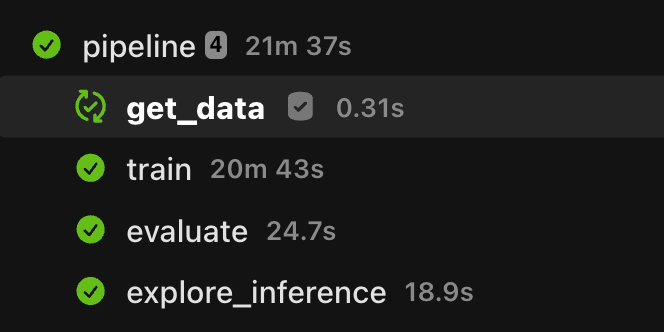
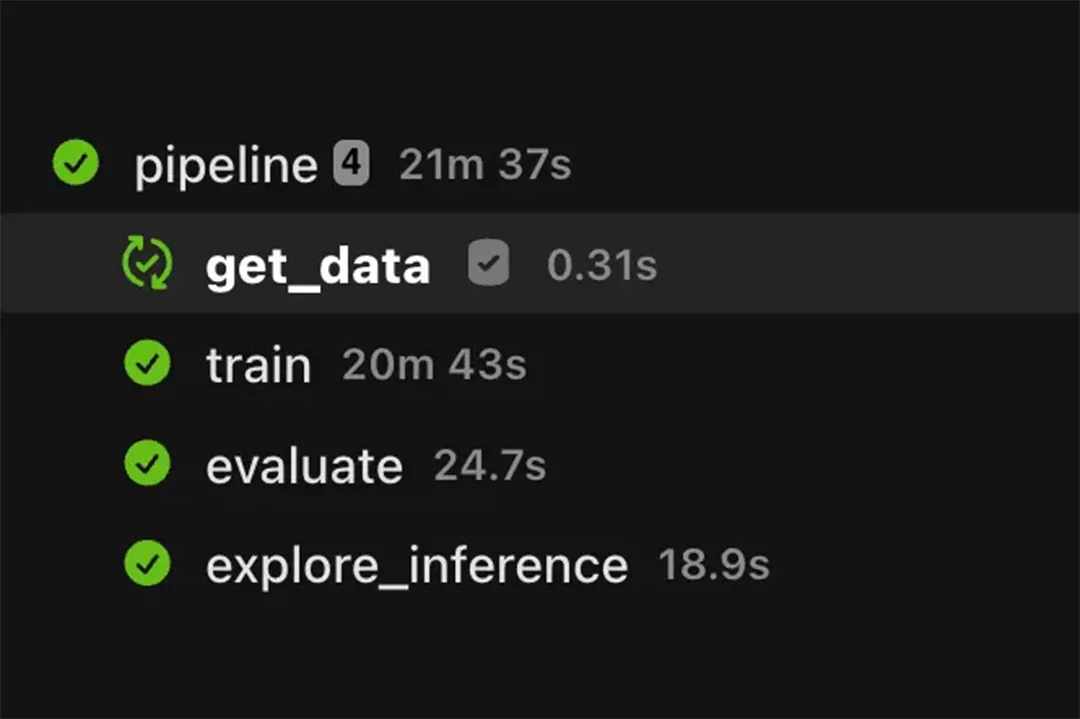
You kick off a training pipeline, walk away, and come back to find it died on the last step. Now you get to re-run the whole thing, including the 50 minutes that already finished fine.
Or maybe nothing failed at all. You’re tuning hyperparameters, so you run the pipeline ten times with ten different learning rates, and every single run re-does the exact same data loading and preprocessing first. If either of those sounds familiar, task caching is for you.
Flyte 2 has built-in task caching. Pass a flyte.Cache object to your @env.task decorator and Flyte will automatically skip re-executing any task whose inputs haven’t changed.
The simplest way to get started is behavior=”auto”. Flyte hashes your function’s source code and uses that as the cache key, so if you haven’t changed the function, it won’t re-run it.
There’s also a shorthand if you just want to enable it quickly:
When you need explicit control, for example, if you want to invalidate the cache without changing the function body you can use behavior=”override” with a version_override:
Bump version_override when you want Flyte to treat it as a new task and re-run from scratch, regardless of whether the code changed.
You can also set a cache default at the environment level so every task in that env inherits it:
Cache storage is configurable per deployment. By default, results are stored in your Flyte backend’s object store (S3, GCS, etc.). No extra infrastructure required.
I’ve also found this really helpful for developing downstream agents that require output from previous agents or tool calls. I can just cache the whole run up until the agent I’m working on for quicker debugging and iteration.
And this can work locally directly on your machine with just the Flyte SDK, no docker or kubernetes needed!
Full caching docs: https://www.union.ai/docs/v2/flyte/user-guide/task-configuration/caching/
See what’s happening in the Flyte Community
Latest from the blog
- Taming Configuration Chaos for ML and AI Agents with Hydra and Flyte - Read on Union.ai
- LangGraph on Flyte: Orchestrate the Logic & Scale the Compute - Read on Union.ai
- Announcing Zero Trust Security Architecture - Read on Union
- How We Kept Python and Got Our Speed from Rust - Read on Union
Recent talks & recordings
- Talk Recording: Putting Resilient AI Agents in Production - Watch on Youtube
- Workshop Recording: Build Research Agents That Don’t Break: LangGraph + Flyte - Watch on YouTube
- LLM fine-tuning with LoRA & QLoRA - Watch on YouTube
- Fine-Tuning BERT for the Unstructured Data You Actually Have - Watch on YouTube
Upcoming events
- June 18: Flyte Contributor Sync - RSVP on Luma
- June 18: Container-enabled Asyncio is All You Need - RSVP on Luma
- July 9th: LLM fine-tuning with GRPO - RSVP on Luma
- July 15th: Seattle AI, ML, and Computer Vision Meetup at Union HQ - RSVP on Voxel51
Releases & updates
- Flyte 2 OSS: Backend Devbox and Reimagined UI - Read on Union
- June’s release brought first-class agents with memory and tool approval, SDK-authored MCP servers, backoff retries and per-attempt timeouts, multi-pod log streaming, and beta queues and events APIs. - Read the Release notes
<div class="button-group"><a class="button" href="https://www.union.ai/docs/v2/flyte/user-guide/run-modes/running-devbox/">Download Devbox</a></div>
From the community
- July 15th: Seattle AI, ML, and Computer Vision Meetup - RSVP on Voxel51
- AI Book Club: Agentic Architectural Patterns for Building Multi-Agent Systems - RSVP on Luma
That’s all for this week! —Sage Elliott